synthesia

Video tool comparison

Find Synthesia Alternatives for Your Video Workflow

The best synthesia alternatives depend on the video you need to make and the work required to approve it. Start with your script, audience, and review process; then test whether an avatar-led format or another approach fits.

A useful comparison starts with the finished video

Similar-looking tools can demand very different work from the people writing, reviewing, and updating a video. Use these related guides to narrow the question before comparing interfaces.

Check the edges

Three things this comparison cannot settle for you

A shortlist is a starting point, not a substitute for testing your own material. These limits matter especially when several alternatives appear to offer the same broad category of video.

It cannot confirm current access or terms

Plans, usage allowances, supported features, and commercial terms can change. A general comparison cannot establish what your organization will be able to use on the day it starts a project.

Workaround

Check each provider’s current documentation and terms against the length, volume, and intended distribution of your videos.
It cannot judge a presenter from a feature list

An avatar that suits a short internal announcement may feel less appropriate for sensitive training or a customer-facing message. Voice, pacing, pronunciation, and visual style need to be assessed in context.

Workaround

Test the same short script on shortlisted services and ask reviewers to assess the result without knowing which tool made it.

It cannot approve your data-handling process

A video project may contain employee details, unreleased product information, or licensed media. No comparison page can determine whether a provider’s handling of that material meets your internal requirements.

Workaround

Have the responsible team review current policies and permissions before uploading real scripts, images, or recordings.

Shortlist method

Compare tools with one repeatable test

Keep the brief fixed across candidates. That makes differences in output and editing effort easier to spot than a collection of unrelated demos.

  1. 1

    Write a representative brief

    Choose a 30- to 60-second passage from a real planned video, removing confidential details. Note the intended audience, required terminology, preferred tone, and whether the result needs an on-screen presenter. This gives every service the same problem to solve.

  2. 2

    Build and revise the sample

    Try the script in each shortlisted tool using only features available under terms you have checked. Change one line, request a pronunciation correction, and see what must be repeated. Record the work involved, not just whether an initial clip can be produced.

  3. 3

    Review the deliverable

    Ask the eventual owner to check clarity, presentation, accessibility needs, and brand fit. Then confirm how the team would handle approval and a later update. The strongest option is the one your team can maintain, not necessarily the most striking first sample.

Compare the format before the polish

A training message and a product explainer may call for different visual structures. Decide which communicates your script clearly before focusing on cosmetic differences between tools.

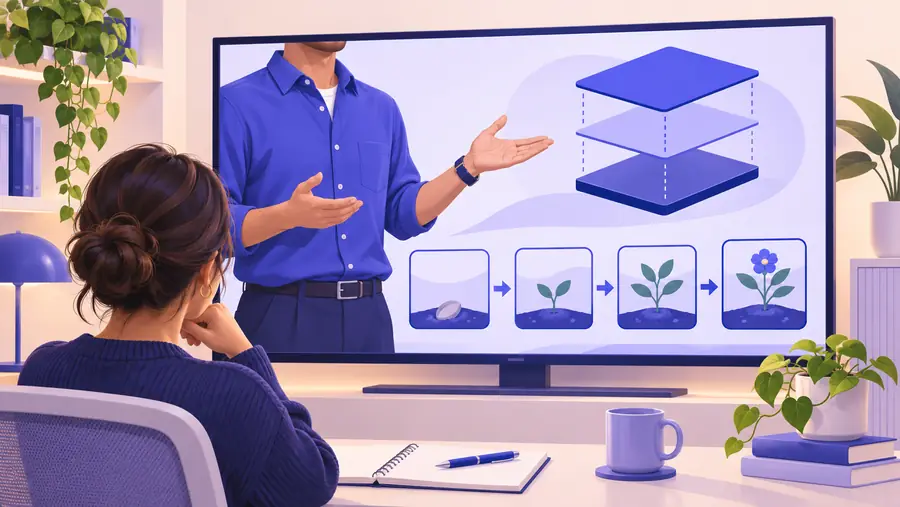
Illustrative training-video scene Training-focused format
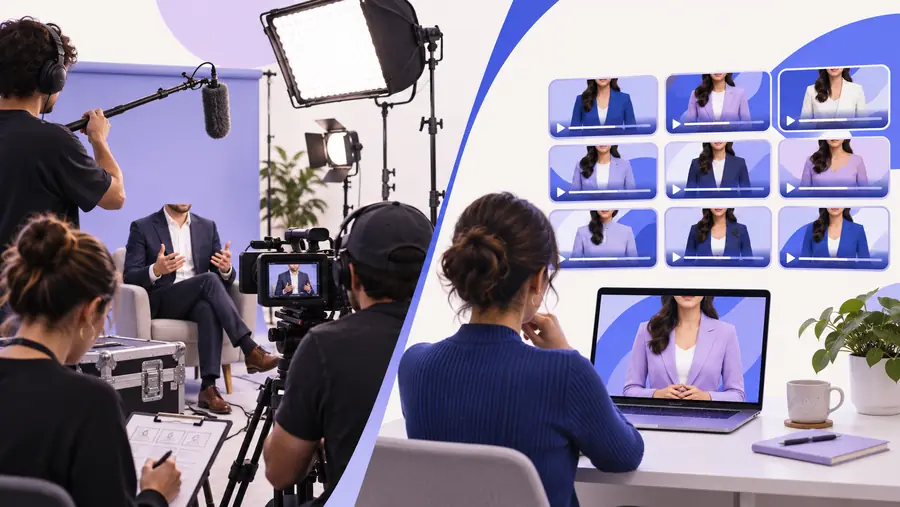
Illustrative product-explainer scene Product-explainer format
These are illustrations of two video approaches, not verified before-and-after results or a comparison of provider output. Use your own brief to evaluate either format.

Decision checklist

Synthesia and other video options, side by side

Synthesia is commonly considered for AI-presented video. The other column describes what to investigate in any alternative, not a promise that every provider includes the listed capability.

Synthesia: verify for your project
Other options: questions to ask

Core format

Synthesia: verify for your project

Does an avatar-presented video suit the message?

Other options: questions to ask

Would an avatar, screen recording, edited footage, or a mixed format communicate it better?

Script changes

Synthesia: verify for your project

How easily can your team correct wording in an existing project?

Other options: questions to ask

Does a competing workflow make revisions simpler or introduce extra editing?

Presenter fit

Synthesia: verify for your project

Does the available presentation style feel credible to your audience?

Other options: questions to ask

Can another approach better match the tone without relying on a digital presenter?

Visual material

Synthesia: verify for your project

Can you incorporate the brand and supporting visuals your brief requires?

Other options: questions to ask

What assets can you bring in, and how much manual assembly is needed?

Review process

Synthesia: verify for your project

Can stakeholders review the type of draft your team produces?

Other options: questions to ask

How are comments, approvals, and version changes handled?

Output needs

Synthesia: verify for your project

Verify the current export and distribution options against your destination.

Other options: questions to ask

Verify formats, accessibility requirements, and destination compatibility.

Governance

Synthesia: verify for your project

Review current terms and policies for the material you intend to provide.

Other options: questions to ask

Apply the same privacy, rights, and internal-approval checks to every candidate.

Who is choosing

Different teams need different evidence

Use the same sample brief, but let the person responsible for the finished video define success. An alternative that solves one team’s bottleneck may add work for another.

Learning and development lead

A training module changes each quarter, so the team needs to correct short passages without rebuilding the whole lesson.

Compare revision effort, presenter clarity, and the approval path. If avatar-led candidates remain on the shortlist, use the HeyGen head-to-head to frame a closer test.

HeyGen head-to-head

Product marketer

A launch explainer must show the product clearly while keeping the narration concise and on brand.

Prioritize how each workflow combines product visuals with spoken explanation. A comparison with HeyGen is relevant only if a presenter-led format survives that first decision.

comparison with HeyGen

Internal communications manager

An announcement needs to be understandable, appropriately toned, and straightforward to update after stakeholder review.

Have reviewers score the sample for trust and clarity before judging production convenience. The Synthesia–HeyGen comparison can then help structure a test of two specific candidates.

Synthesia–HeyGen comparison

Take a brief into your next evaluation

Test the video workflow against your real brief

Keep your sample script and review criteria close as you explore the linked video service. Check its current capabilities, terms, and output yourself before deciding whether it belongs alongside Synthesia or other alternatives on your shortlist.

Explore video service
  • Use the same script for every candidate
  • Include one realistic revision
  • Let the eventual owner review the result

Questions about similar video tools

Other AI video platforms with presenter-led workflows may be similar, including HeyGen. Similarity depends on what you mean: an on-screen avatar, script-based production, or the ability to revise a video without filming again. Compare candidates using the same short brief rather than assuming their workflows or results are interchangeable.

Start by deciding what the finished video must show and who will approve it. Test a representative script, make one realistic edit, and compare the resulting video and the effort required. Check current provider terms separately before committing project material.

Not necessarily. An avatar may suit a presenter-led training message, while a screen recording or edited product footage may better explain a visual task. The closest alternative is the workflow that meets your communication and maintenance needs, not merely the one with the most similar interface.

Check how corrections, stakeholder feedback, and future updates work. Also verify output requirements, asset rights, and policies for any information you plan to upload. Those checks can reveal important differences even when two initial samples look equally suitable.

Create a video
Create a video